How to Track Your Graded Card Inventory Accurately
Centralize grading vaults into one private dashboard to track graded cards, live values, high-res scans, and share selected items via a single storefront.

How to Track Your Graded Card Inventory Accurately
Managing a graded card collection can quickly become overwhelming without the right tools. From tracking purchase prices, grading fees, and market values to staying tax-compliant, the process demands accuracy and organization. ShowVault simplifies this by consolidating your PSA, Alt, and Fanatics vaults into one dashboard with automated syncing, real-time pricing, and high-resolution scans - all for $24.95 per quarter. Here’s how it works:
-
Quick Setup: Create an account in under 2 minutes - no credit card required.
-
Multi-Vault Sync: Use VaultBridge Sync to link your PSA, Alt, and Fanatics accounts securely, with on-demand updates.
-
Streamlined Dashboard: View your entire inventory, track values, and generate a professional storefront URL for easy sharing.
-
Privacy Control: Sync only when you choose, and decide what to keep private or share publicly.
With ShowVault, you can manage unlimited cards, avoid messy spreadsheets, and ensure your collection is always up-to-date and ready for selling or showcasing.

Setting Up ShowVault for Multi-Vault Sync
Creating Your ShowVault Account
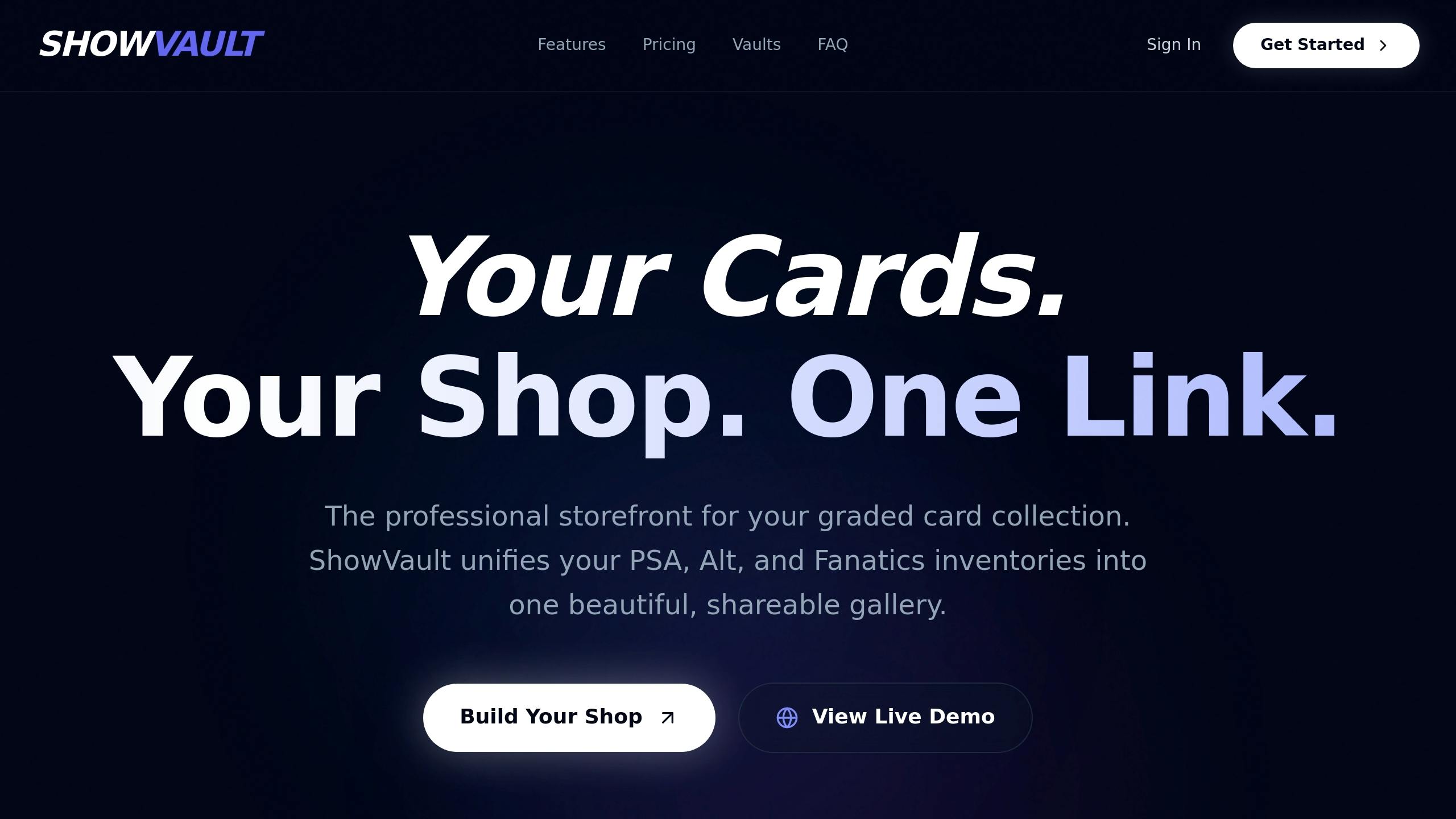
Getting started with ShowVault is quick and hassle-free - it takes less than two minutes and doesn’t require a credit card1. Simply head to the website and click on "Get Started Free" or "Build Your Shop." Once signed up, you’ll gain access to a unified dashboard that’s ready to connect to your vault accounts right away.
Connecting Your Vaults to ShowVault
After setting up your account, the next step is linking your vaults. ShowVault uses its VaultBridge Sync feature to bring together inventory from PSA, Alt, and Fanatics into one centralized platform. The process is simple: log into your dashboard, link each vault account, and your data syncs instantly.
One standout feature of ShowVault is its commitment to privacy. The platform doesn’t store your vault credentials or rely on automated scraping. Instead, syncing happens only when you manually initiate it. This gives you complete control over your data while still enjoying the benefit of centralized management.
Once your vaults are connected, you can trigger an on-demand sync anytime to update your dashboard with new purchases, sales, or inventory changes. Plus, ShowVault provides you with a single, professional URL that showcases your entire collection. This includes high-resolution scans and live pricing, eliminating the need for blurry screenshots or juggling multiple links.
This streamlined setup ensures accurate inventory tracking, real-time updates, and secure handling of your data.
Importing and Organizing Your Graded Card Data
Bulk Data Import for Easy Setup
With ShowVault's VaultBridge Sync feature, importing your graded card data is a breeze. Forget about tedious manual file uploads - just connect your PSA, Alt, and Fanatics vault accounts, and the platform will automatically pull in your entire inventory. It supports cards graded by PSA, BGS, SGC, and CSG, so you’re covered across the board1.
The setup process is quick and simple. Once the data is retrieved, your cards instantly appear on the dashboard, complete with high-resolution scans and live pricing details.
Organizing Your Inventory in the Dashboard
After importing, managing your collection becomes effortless. The dashboard consolidates your entire inventory from all connected vaults into a searchable gallery. No more switching between tabs or juggling multiple files - everything is in one place. Plus, cards are automatically paired with live pricing data for easy tracking.
The analytics feature keeps you updated on your collection's total value and item count in real time. When it’s time to showcase your collection, ShowVault generates a single, polished URL, eliminating the hassle of piecing together screenshots or scattered links.
Using ShowVault's Real-Time Sync and Analytics Features
VaultBridge Sync for Real-Time Updates
VaultBridge Sync gives you control over updating your inventory with a user-initiated approach that prioritizes privacy. Instead of automated scraping that might store your credentials, you can manually trigger a sync to immediately update your dashboard. This ensures the latest activity from your PSA, Alt, and Fanatics vaults is reflected. With this feature, your public storefront and records stay up-to-date, offering a seamless way to manage your collection in real time.
Using the Analytics Dashboard
The Analytics Dashboard provides a clear snapshot of your collection's overall performance. It highlights your total item count and the aggregate value of your collection using live pricing data. These regular updates let you track real-time changes, helping you answer the big question: "What’s my collection worth right now?" Beyond the big picture, the dashboard also dives into individual cards, giving you a detailed and organized view of your entire collection. 1, 2
Managing Privacy and Sharing Your Collection Publicly
Privacy-First Data Control
With ShowVault, you’re in charge of your data. Updates to your inventory happen only when you manually sync - there’s no automated scraping, and your vault credentials are never stored. This ensures your sensitive information stays secure while still giving you the flexibility to manage your dashboard.
You decide what remains private and what gets shared. Whether your dashboard includes your entire inventory from PSA, Alt, and Fanatics or just a portion of it, the choice to make any of it public is entirely yours. ShowVault’s privacy settings let you showcase specific cards through public links while keeping high-value items or personal favorites under wraps. Highlight cards you’re ready to sell or trade, and keep the rest hidden.
Once your privacy settings are sorted, you can easily share selected cards through a polished public storefront.
Creating a Public Storefront for Your Collection
ShowVault takes the hassle out of sharing your collection. In just a couple of minutes, you can create a professional storefront by using the "Public Sharing" settings after syncing your inventory. This generates a unique URL that acts as your storefront, eliminating the need to send cropped screenshots or direct buyers to multiple platforms.
"Stop Sending Screenshots. Start Sending a Link." – ShowVault
Your storefront showcases high-resolution scans, live pricing, and instant buying links for the cards you’ve chosen to share. It also displays a "Last updated" timestamp and a "Trusted Seller" badge, boosting your credibility with potential buyers. Forget juggling spreadsheets or managing links across different platforms - this single, streamlined URL presents your collection in a clean and professional way.
And at $24.95 per quarter, this Public Storefront URL comes bundled with features like unlimited inventory, VaultBridge Sync, and access to the Analytics Dashboard.
Conclusion
ShowVault simplifies inventory management, from the initial setup to real-time tracking. Instead of dealing with scattered tools or endless screenshots, you gain access to a single, unified dashboard that brings together your PSA, Alt, and Fanatics vaults. With VaultBridge Sync, your collection updates on demand, giving you up-to-the-minute insights into sales and value changes - all while keeping your data secure.
It only takes under 2 minutes to set up1, allowing you to manage unlimited cards right away. The analytics dashboard provides a clear view of your collection's total value, and the public storefront replaces cluttered messages with a sleek, professional URL featuring high-resolution scans and live pricing.
You decide what stays private and what you share publicly, syncing your data only when you choose. Whether you’re managing an extensive collection or just looking for a better way to track your cards, ShowVault turns disorganized methods into a polished, professional system.
At just $24.95 per quarter1, even a single extra sale could make it worthwhile. Plus, you can get started for free - no credit card required. Take control of your collection today!
FAQs
How does ShowVault calculate live card values?
ShowVault uses real-time pricing and market comparisons to calculate live card values. This turns your collection into a digital gallery that you can share, with market values that are constantly updated to match the latest trends.
What details can I track besides current market price?
You can go beyond just tracking the current market price by keeping tabs on your purchase history, profit and loss, and specific card details like serial numbers, autographs, or jersey patches. You can also monitor financial metrics such as cost basis, ROI, and transaction history. These tools let you maintain a thorough and well-organized record of your graded card collection.
Can I share only certain cards and keep the rest private?
Platforms like ShowVault allow you to share only the cards you want while keeping the rest of your collection private. You can create a shareable gallery or a custom link for selected items, giving you full control over what you choose to display.