How to Share Your Card Collection Without Spreadsheets
Ditch spreadsheets — sync vaulted cards into a shareable storefront with high-res images, live market values, privacy controls, and exportable inventory.

How to Share Your Card Collection Without Spreadsheets
Managing your card collection with spreadsheets can be tedious and inefficient. Every update requires manual input, and sharing your collection often means sending a static, unattractive file. Platforms like ShowVault offer a better solution by automating updates, integrating real-time market data, and providing a sleek digital storefront for your cards. Here’s a quick breakdown of how ShowVault simplifies the process:
-
Automated Syncing: Connect your PSA, Alt, or Fanatics accounts to update your collection without manual effort.
-
Public Storefront: Share a professional, personalized URL showcasing high-resolution scans of your cards.
-
Real-Time Data: Access live market values and analytics to track your collection's performance.
-
Privacy Controls: Decide which cards to display and keep sensitive details private.
-
Export Options: Download your collection data for insurance, tax, or personal records.
Say goodbye to spreadsheets and enjoy a streamlined, visually appealing way to manage and share your collection.
Step 1: Create Your ShowVault Account
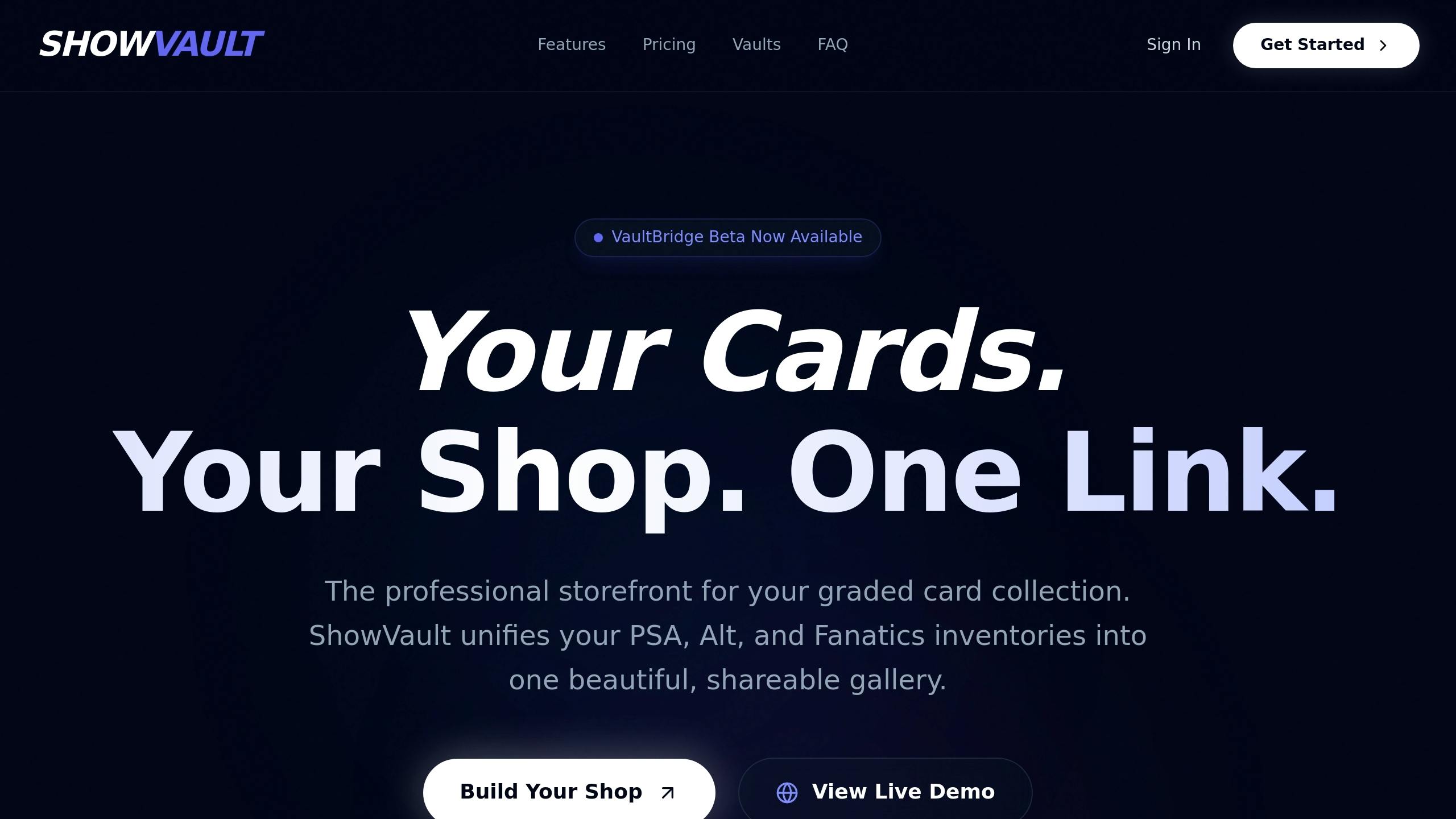
Sign-Up Process
Head over to the ShowVault website and click "Get started" to begin registration. You’ll need to fill out some basic information to set up your profile.
Once your account is activated, you’ll receive a unique Vault ID. This ID is essential - it’s how ShowVault links your physical cards to your digital account when you send items to their vaulting facilities. Make sure to include this Vault ID on every shipment label to ensure your cards are correctly routed into your digital collection.
ShowVault takes care of adding your items to your collection automatically through its vault integration. Keep in mind that, as of December 2025, manual uploads for non-vaulted items are no longer an option. Now, let’s take a closer look at the dashboard that brings everything together.
Exploring the Dashboard
Once your account is ready, log in to access your unified dashboard - the hub for managing your entire collection. This centralized interface displays all your vaulted cards in one convenient place.
From the dashboard, you can instantly view your full inventory, check current market values, and use built-in sharing tools. High-resolution images of your graded slabs are available at your fingertips, and you can track your collection’s value in real time. You’ll also find options to manage your public storefront settings. This all-in-one platform eliminates the need to juggle spreadsheets or visit multiple vault websites - everything you need is right here. It’s the perfect starting point for organizing and sharing your graded card collection effortlessly.
Step 2: Connect Your Vaults with VaultBridge
How VaultBridge Works
VaultBridge is ShowVault's integration tool that brings all your vault accounts - like PSA, Alt, and Fanatics - into one streamlined inventory. Instead of juggling multiple logins to track your collections, VaultBridge consolidates everything automatically into a single dashboard.
Here’s how it works: VaultBridge connects to your vault accounts using unique IDs. For PSA, you’ll need a Collectors ID; Alt requires a VaultID; and Fanatics uses its standard login. Once you authorize the connection, VaultBridge syncs your digital inventory, including high-resolution slab images and metadata, directly into your ShowVault dashboard.
The tool leverages the robust digital systems of these vault providers. For example, PSA Vault manages over 1.6 million items valued at more than $650 million, while Fanatics Collect stores over 1 million items worth more than $500 million 1, 2. VaultBridge taps into these systems to ensure your inventory is updated with professional images and detailed metadata.
Now, let’s break down how to sync your collection step by step.
Syncing Your Collection
To get started, head to the VaultBridge section of your ShowVault dashboard. From there, you’ll see options to link your PSA, Alt, or Fanatics accounts. Select the vault you want to connect, and input the required ID - Collectors ID for PSA, VaultID for Alt, or your Fanatics login credentials.
Once authorized, the synchronization process begins. Depending on the size of your collection, this can take anywhere from a few seconds to a few minutes. When it’s done, your cards will appear in your unified dashboard, complete with grading details, market values, and high-resolution images.
It’s important to note that only vaulted items are eligible for synchronization via VaultBridge. For instance, Alt stopped allowing manual uploads for non-vaulted cards as of December 2025, so only items physically stored in their facility will sync 3. Similarly, vaults like PSA and Fanatics have minimum value thresholds for items they accept. PSA generally requires cards to be graded and valued at over $100, while Fanatics offers free vaulting for slabs worth $50 or more 4, 2. Make sure your cards meet these criteria and are stored at the appropriate facilities before expecting them to appear in ShowVault.
Step 3: Build and Share Your Public Storefront
Now that your inventory is synced and organized in your dashboard, it’s time to create a public storefront to showcase your collection.
Create Your Storefront URL
Once your collection is synced with VaultBridge, ShowVault generates a unique public storefront URL. Think of this as your collection's personal website - a shareable link you can send to fellow collectors, potential buyers, or anyone curious about your cards. Unlike clunky spreadsheets that require downloads or special access, this URL works like any other website. Just copy and paste it into an email, text, or social media post, and anyone can view your collection instantly - no ShowVault account needed.
This link is permanent and easy to share, providing a polished, professional way to connect your collection with the world.
Customize Your Display
ShowVault lets you personalize your storefront to reflect your collection’s unique style. High-resolution scans of each card are displayed from multiple angles, offering viewers complete transparency 2. You can also group your cards by themes - whether by player, set, or personal categories like “grails” or “investment pieces” 2. Want to add a personal touch? Include descriptions for individual cards or entire sections to share the story behind your collection. These features make your storefront both visually appealing and professional.
Control Your Privacy Settings
Once your storefront is set up, you have full control over what’s visible to the public. ShowVault lets you decide which cards to display and which to keep private, so you can showcase only what you want 1.
You can also fine-tune offer settings, such as automatically declining offers below 50% of your asking price 1. To keep your account secure, ShowVault offers two-factor authentication and allows you to regularly review your collection tab to ensure everything displayed matches your preferences 1.
Step 4: Use Analytics and Export Features
Once your storefront is up and running, ShowVault's analytics dashboard becomes your go-to tool for understanding how collectors interact with your collection. It provides a clear picture of what's catching attention and how your storefront is performing overall.
Track Storefront Activity
The analytics dashboard gives you real-time insights into your collection's performance, including which cards are getting the most views. This live data helps you make smarter decisions - whether that's adjusting prices, promoting specific cards, or identifying trends in collector interest. Unlike static spreadsheets that require constant manual updates, ShowVault's dashboard refreshes automatically as visitors engage with your storefront. It's like having a live feed of your collection's impact.
Beyond tracking activity, ShowVault also makes managing your collection's documentation hassle-free.
Export Your Collection Data
Need a snapshot of your inventory? ShowVault allows unlimited exports, letting you download your collection data whenever it's needed. Whether it's for insurance purposes, presentations, or tax reporting, this feature ensures you have your records in the format you need - without the headache of copying and pasting from multiple sources. It combines the ease of digital management with the reliability of traditional documentation, making it simple to keep everything organized and accessible.
ShowVault vs. Spreadsheets: Feature Comparison

ShowVault addresses many of the pain points associated with using spreadsheets for managing collections. Here's a closer look at how it stands apart:
Main Differences
One of the biggest drawbacks of spreadsheets is the need for constant manual updates. Every time you want to modify or add data, you have to open the file and input it yourself. ShowVault eliminates this hassle with VaultBridge, which automates syncing. It pulls data directly from your vaults, keeping everything up-to-date without requiring your time or effort.
Privacy is another area where ShowVault shines. Sharing a spreadsheet often means revealing everything - purchase prices, cost basis, and personal notes. With ShowVault, you can keep sensitive information private while showcasing only the details you choose on your public storefront. This way, your financial data stays secure while your collection gets the attention it deserves.
The difference in visual presentation is also striking. Spreadsheets are functional but bland, presenting data as rows and columns of text. This format is fine for personal tracking but doesn't make an impression when sharing with other collectors. ShowVault, on the other hand, turns your collection into a sleek, customizable storefront complete with high-resolution images, offering a professional look that stands out.
Table: ShowVault vs. Spreadsheets
Here's a side-by-side comparison:
| Feature | ShowVault | Spreadsheets |
|---|---|---|
| Multi-Vault Sync | Yes | No |
| Privacy Controls | Yes | No |
| Analytics Dashboard | Yes | No |
| Public Storefront URL | Yes | No |
| Visual Appeal | High (Customizable) | Low (Static and Tabular) |
| Manual Effort | Minimal (Automated Sync) | High (Manual Updates) |
Conclusion
ShowVault simplifies collection management with features like automated syncing through VaultBridge, customizable public storefronts, and privacy settings that let you control what details to share. High-resolution images ensure your collection looks stunning and is easy to share.
The platform also includes analytics and export options to help you monitor storefront activity and retrieve your data when needed. For $24.95 per quarter, you get unlimited inventory management, priority support, and a shareable URL that turns your collection into an engaging showcase.
Whether you're displaying your collection at card shows, arranging trades, or keeping track of items stored in multiple vaults, ShowVault streamlines the process. Your cards are stored securely in professional facilities with 24/7 monitoring and full insurance coverage, giving you peace of mind while managing your collection with ease.
Tired of juggling spreadsheets? Check out our sports card guides for more expert advice. Sign up for a ShowVault account and let the right tools handle the details, so you can focus on enjoying your collection.
FAQs
How does ShowVault make it easy to sync my card collection?
ShowVault takes the hassle out of managing your card collection. They photograph your cards professionally, determine their value, and seamlessly add them to your digital collection. Everything updates in real time, so your collection stays accurate and securely stored. This streamlined process means no more manual uploads or dealing with spreadsheets - just more time to enjoy and share your collection.
Can I choose which cards are visible on my public storefront?
Yes, you have complete control over which cards appear on your public storefront. You can handpick specific cards to showcase or sell, ensuring that only the items you choose to share are visible to others.
This setup lets you manage your collection with confidence while tailoring your storefront to reflect your preferences. It also provides the flexibility and privacy needed when displaying your graded cards.
What makes ShowVault a better option than using spreadsheets for managing your card collection?
ShowVault takes the stress out of managing your card collection. Forget about juggling clunky spreadsheets - this platform offers high-resolution imaging, real-time value tracking, and secure, insured storage to keep everything organized and protected. Plus, your collection is safeguarded around the clock, giving you peace of mind.
Built specifically with collectors in mind, ShowVault makes it simple to display and share your cards while ensuring they stay safe and well-organized. It’s a smarter, more efficient way to handle your collection with confidence and ease.
Sources
1. https://www.psacard.com/info/psa-vault
2. https://www.fanaticscollect.com/thevault
3. https://support.alt.xyz/en/articles/9213547-collection-management